

The Intentional Itinerary: How to Build a Digital Travel Planner That Actually Works
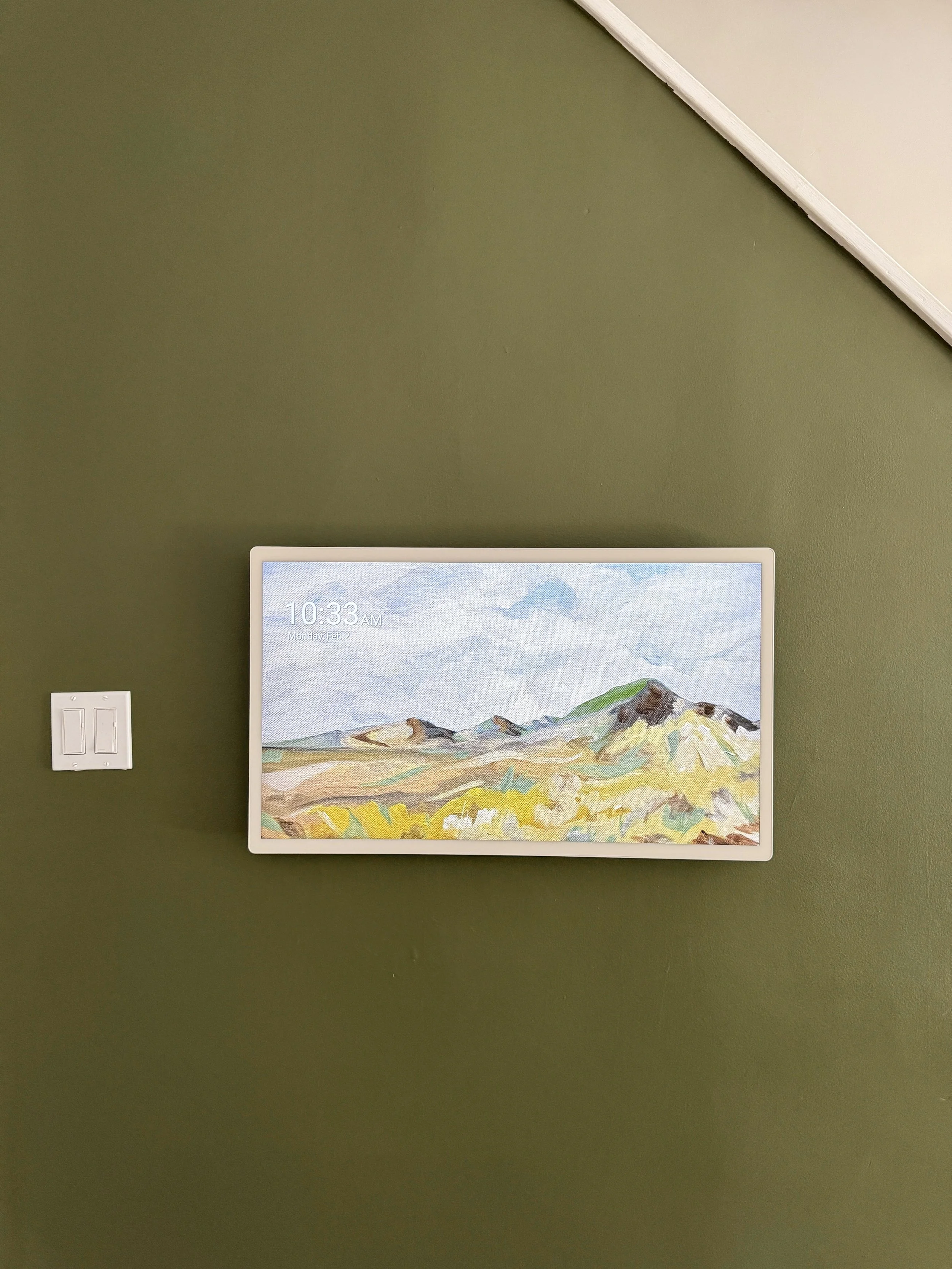
By now, most parents have seen ads for digital calendars that promise to help manage multiple schedules and complex family planning. This latest technology serves multi-child households by offering gamified chore charts and neatly synced, colour-coded calendars, all wrapped up in a sleek touchscreen device. Before buying my own, I scoured for the smartest options for over a year (knowing I’d have a hard sell to my husband), and now, the Cozyla digital calendar is the star of my home’s command hub.
Affiliate links for both US and Canadian readers are listed at the end of this guide.
One might think twice about the price tag for a glorified version of Google Calendar or iCal. But after a few months of getting “touchy” with my screen, our Cozyla mate and its oversized Android features have made momaging and travel planning easier and more enjoyable. Here are some tips to get the most out of your Cozyla digital calendar across all stages of family travel planning.
Presenting…our itinerary
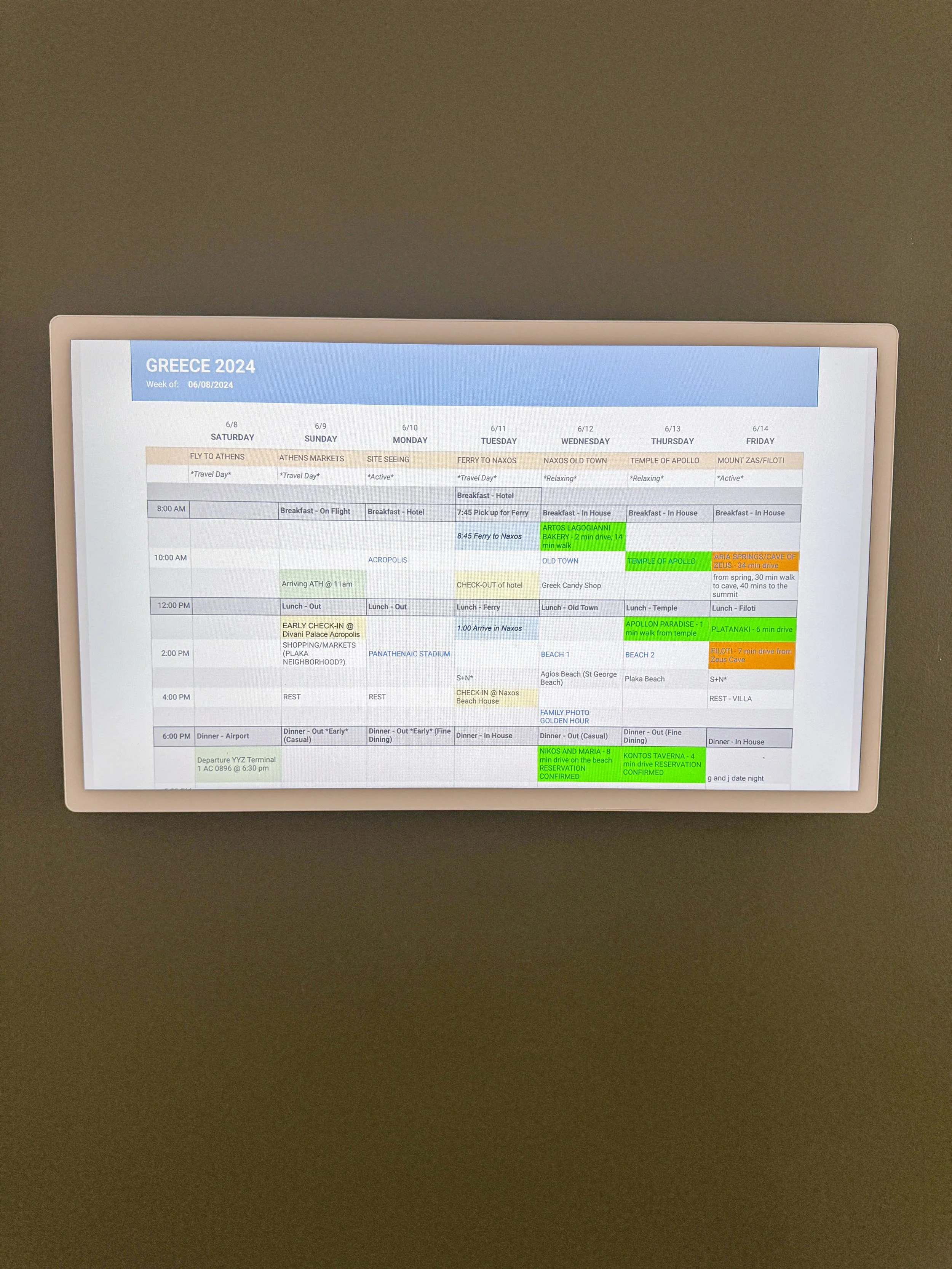
Your Hard Work on Display
If you’re the itinerary designer for your family, nothing slumps the head chef more than semi-mundane reactions to all the plans you’ve culled for the trip’s menu. With the Cozyla screen, I can engage my three kids and husband by swiping through stays and viewing destination photos.
To aid my delivery, I launch a presentation app from the Google Play Store (such as Slides, Sheets, and Docs) or even an aesthetic Canva PDF (when I’m feeling ambitious). I also created a fully interactive template in Sheets that lets me edit itineraries directly on the Cozyla screen or open embedded links to manage reservations. The screen is mounted adjacent to our dining table, allowing the entire family to give travel plans their full attention. And if you really want to be over the top, grab your laser pointer.
Cross country with maps on display
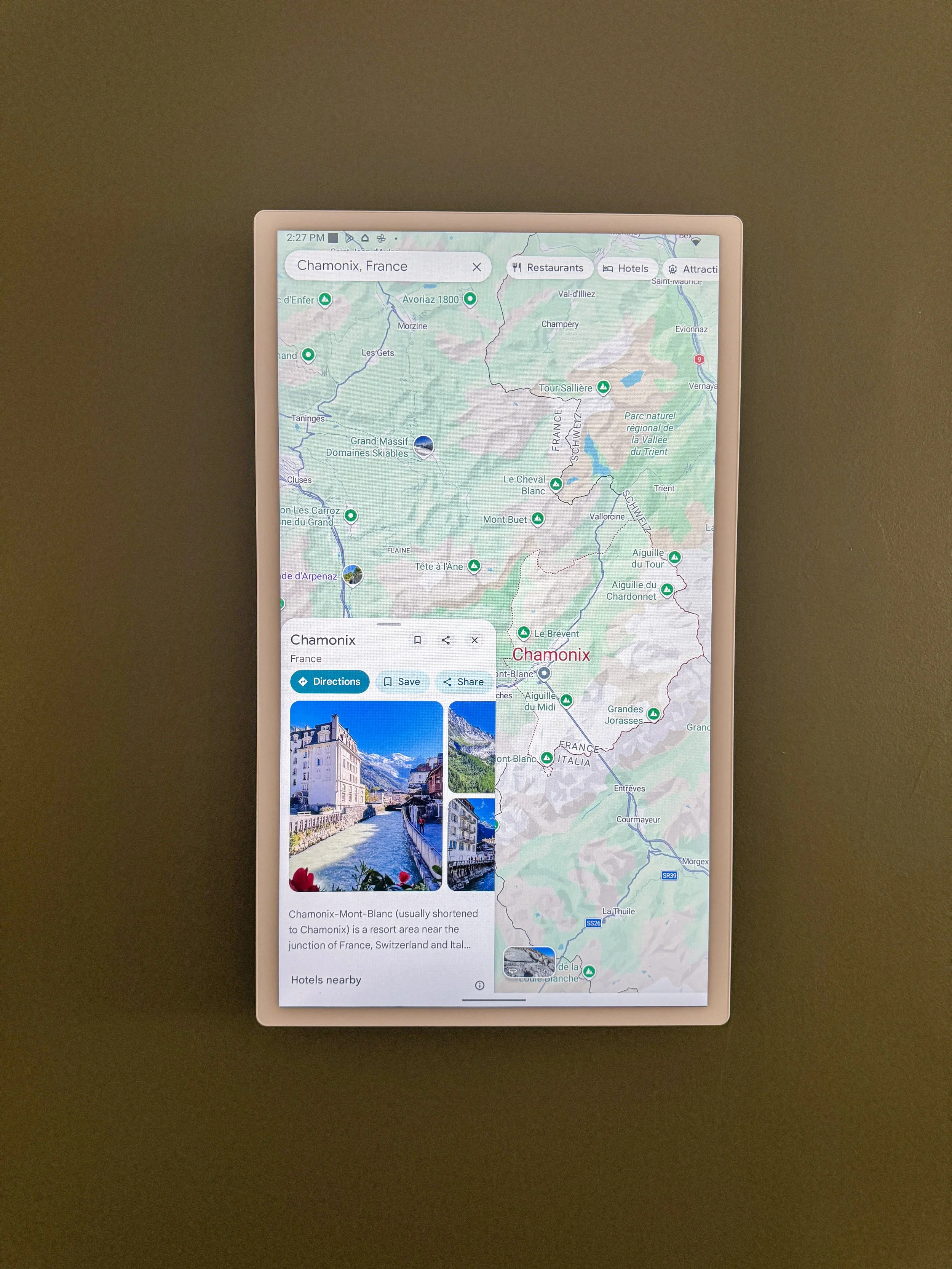
Immerse Through the View
For families who value shared input during the planning stages, I like opening Google Maps on the display and letting the kids weigh in on potential places to visit. Zoom in and out of towns, search neighbourhoods and places to eat - let the kids immerse themselves in the digital foreground of the world and let them feel like they have a role in planning too. For road trips, we can easily find distances between cities (and agree not to agree on whether we endure that drive). One habit we have is to include the kids in the planning process to help build anticipation for the trip.
Learn a language
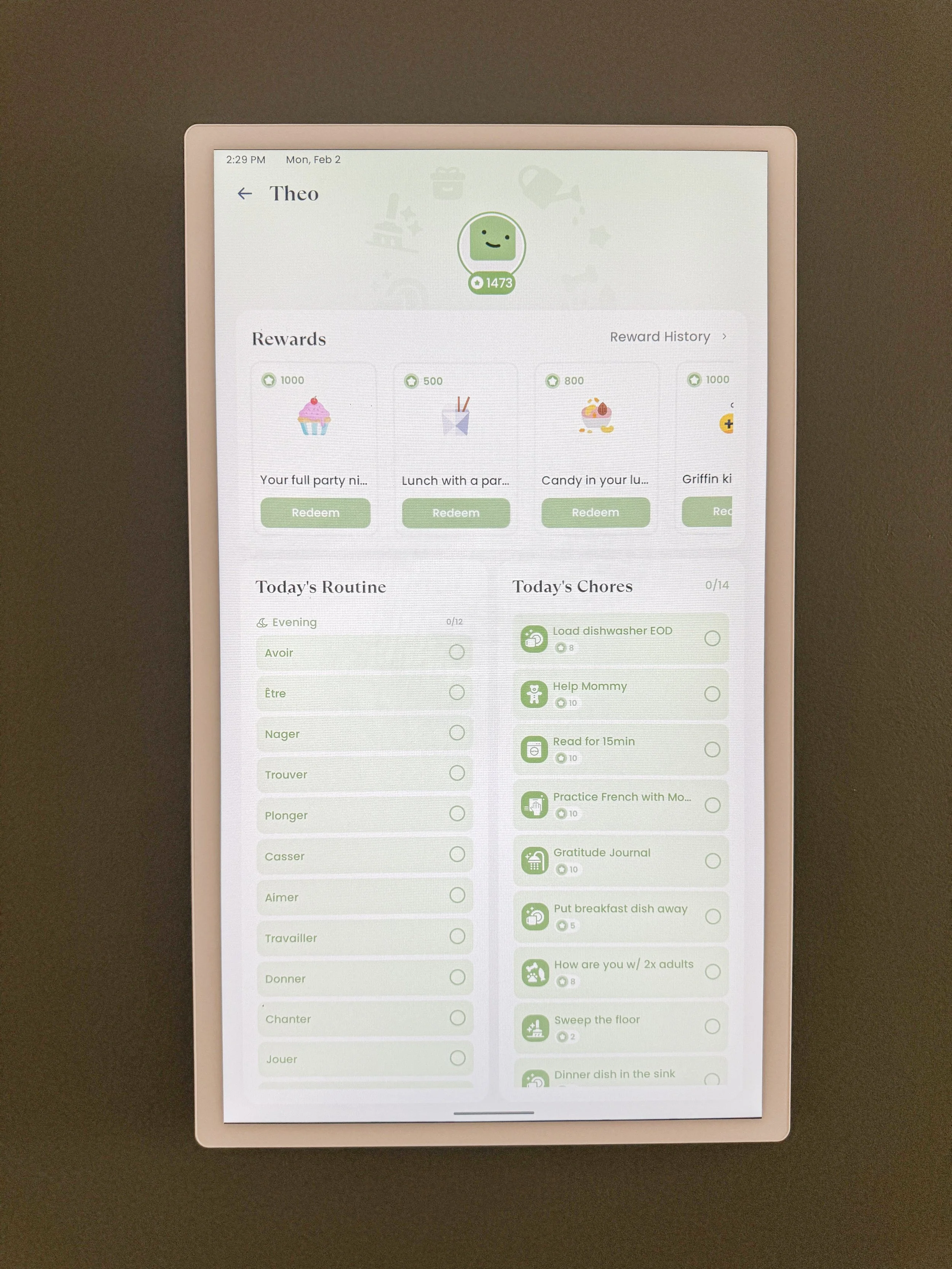
Use a Task-Minded Discipline
I grew up learning Mandarin, Cantonese, French, and Spanish all at once, so teaching our kids a second language felt non-negotiable. When we didn’t get into the French immersion school we hoped for, we engaged a tutor for weekly lessons. Five years later, our ten-year-old is confidently conjugating verbs and picking up new phrases.
To help with fluency, we’ve adopted the Cozyla calendar’s reward system. Checking off tasks and watching stars add up in their digital bank has motivated everything from homework and taking out the bins to making their beds, and even helping others. Once we added stars for music practice, it was an easy next step to add language too.
The result? Better focus, clearer goals, and kids reciting French words.
Visual countdown
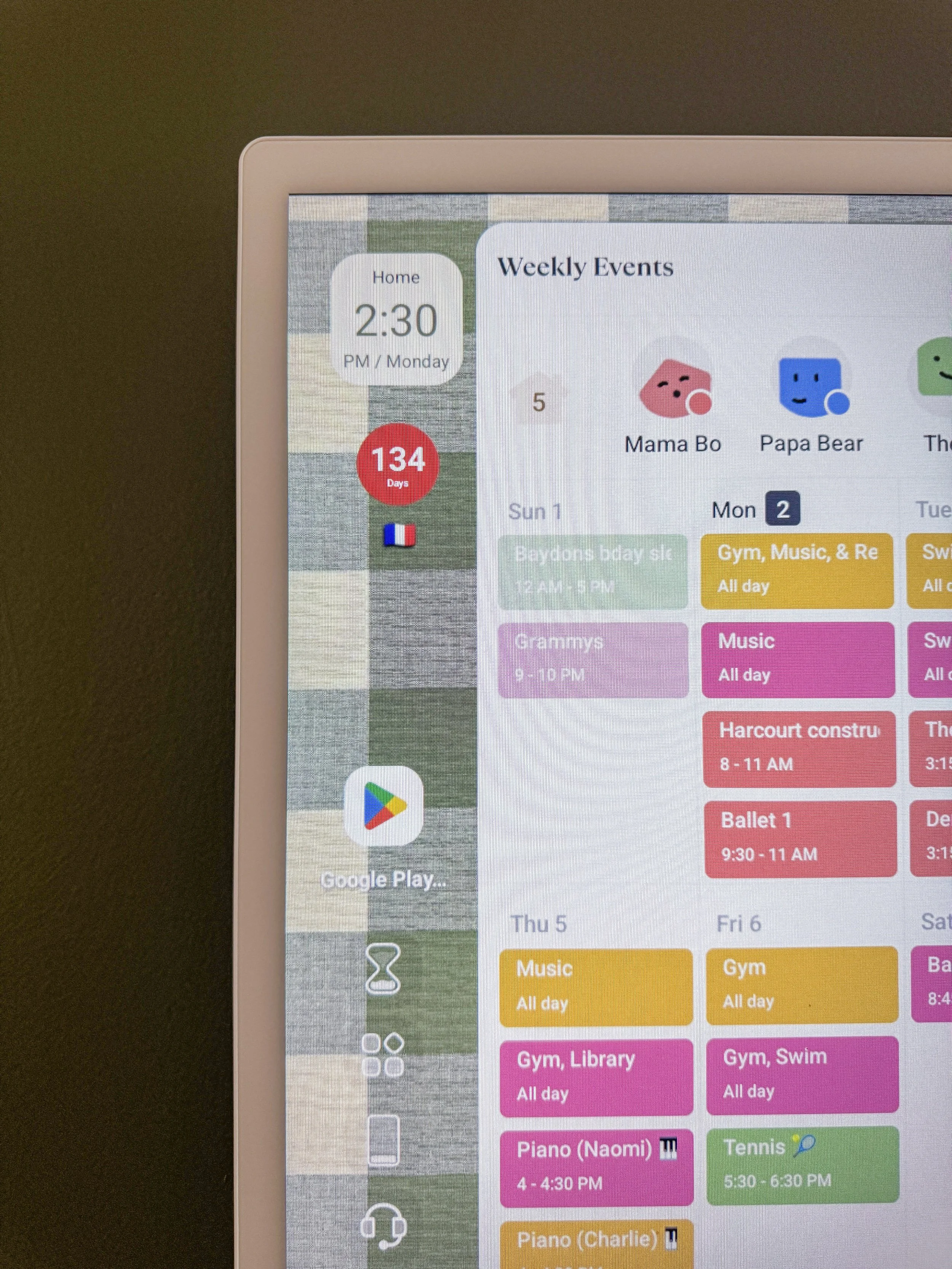
Something To Look Forward To
Adding a countdown widget to our Cozyla homepage gives us a small daily boost—it’s a simple, minimalist reminder that there’s something to look forward to (and we can all use a bit of that sometimes). Because you can resize and rearrange widgets, the screen is designed around how your family functions, not the other way around.
As a visual person, being able to choose and curate the digital wallpapers was a big draw for me. I love an alternative to fixed, one-size-fits-all calendar layouts that leave little room for personalization. Adding a countdown widget is a fun way to customize your homepage.
Delegate
If there’s one thing that truly gets to me as a mom (and wife), it’s the feeling of shouldering tasks alone. The pitfall of caring is staying in control. And the issue with control is resistance to delegation. Unable to delegate, we are treading water to stay afloat and burdened by everyone’s packing list, weekend bag and birthday party RSVPs. Now that all three kids are a bit older, I am comfortable letting them handle tasks. I negotiate loose ends by recognizing that the kids are developing a healthy sense of responsibility!
Cozyla’s clean but colourful format makes delegating to do’s simple and effective. Consider creating a dedicated desktop space for family travel tasks (you can develop multiple dashboards to swipte You can assign packing, shopping, checking reservations, and buying tickets in advance. Housing kid-friendly tasks for travelling on the digital planner allows you to keep tabs and shed some of the weight.
Cozyla vs. Skylight vs. Hearth
At their core, the options I’m comparing, Cozyla, Skylight, and Hearth, all aim to solve the same problem: keeping modern family life visible and organized in one shared place. The difference lies in how each system approaches that goal.
| Feature | Cozyla | Skylight | Hearth Display |
|---|---|---|---|
| Background / wallpaper | Custom images and wallpapers supported | Limited (photo screensaver with subscription) | Limited (photo screensaver with subscription) |
| Widgets (countdowns, lists, notes) | Yes (multiple widget types, resizable) | No widgets | Limited widgets |
| Calendar sync | Google, iCal, Outlook | Google, iCal, Outlook | Google, iCal, Outlook |
| Task / chore lists | Yes | Yes | Yes |
| Built-in reward system | Yes | Yes | Yes |
| Photo display | Yes | Yes (subscription required) | Yes (subscription required) |
| Video playback (YouTube, Netflix, etc.) | Yes | Yes (subscription required) | No |
| App ecosystem | Open (Google Play access) | No app store | No app store |
| Voice assistant | Google Assistant compatible | No | No |
| Hardware purpose | Multi-use smart display | Calendar + photos device | Calendar + routines + lists |
| Subscription required | No (all core features included) | Yes (for photos, some features) | Yes (for photos, premium features) |
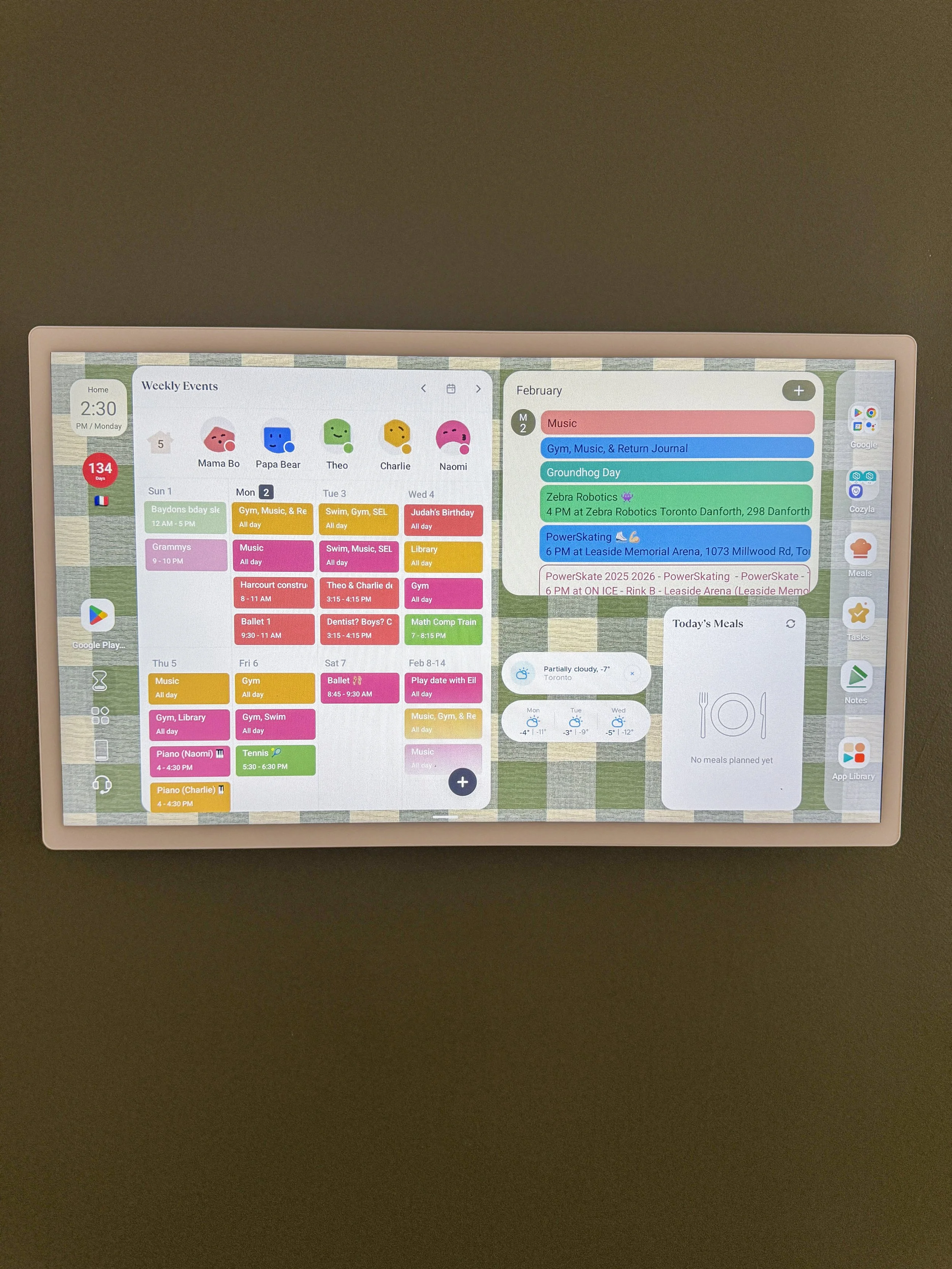
Our digital family hub and travel tool
For our family, the Cozyla calendar has become less about managing time and more about sharing it. It’s where trips take shape, routines feel lighter, and responsibility slowly shifts from one person to many. Whether you’re planning a cross-country adventure or simply trying to keep the week from unravelling, having a central place where plans live—visually, accessibly, and collaboratively—has made all the difference.
This post contains affiliate links. If you choose to purchase through them, I may earn a commission at no additional cost to you. Click here for a Canadian link to Cozyla.
Comment below if you have any questions about this digital calendar!
